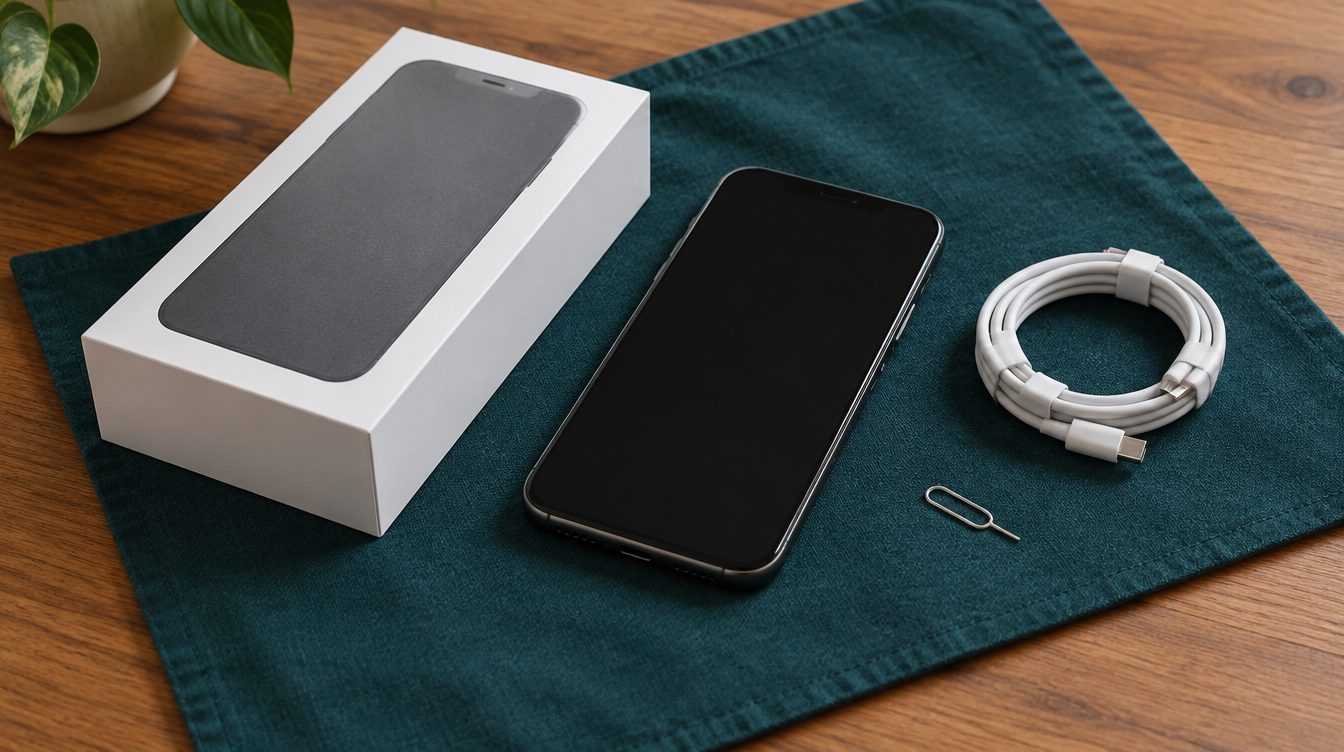
If you're selling, back up your phone, sign out of your Apple or Google account and erase it, so the next owner can set it up. Bring the charger and box if you have them, and photo ID. If you're pawning and want the phone back, talk to us before you erase anything.
Selling or pawning a phone
A phone you sell is gone for good, so your data and your account both need to come off it.
A phone you pawn comes back to you when you repay. Ask us at the counter what we need from you for a phone loan before you erase anything. How pawning works explains the rest.
Before you sell an iPhone
- Back up to iCloud or your computer.
- Unpair your Apple Watch, if you have one.
- Sign out of iCloud and the App Store.
- Go to Settings, then General, then Transfer or Reset iPhone, and tap Erase All Content and Settings.
- If your phone uses an eSIM, choose to erase it when asked.
Apple says erasing the phone turns off Find My and Activation Lock. While Activation Lock is on, the phone stays tied to your Apple Account and the next owner can't set it up.
Before you sell an Android phone
Back up your phone, then remove your Google Account from it before you reset it.
Android phones have a protection feature that, after a reset, asks for a Google Account that was previously on the phone. Google says that if that information can't be given during setup, the phone can't be used at all. Removing your Google Account turns the protection off.
Lost and stolen phones are blocked
Victorian law also requires pawnbrokers and second-hand dealers to check your identity, so bring photo ID.
What affects the price
- The model and storage size.
- Condition: the screen, the back and the camera lenses.
- Battery health. iPhones show it in Settings, under Battery.
- Whether everything works: buttons, cameras, speakers, charging and Face ID or fingerprint sign-in.
- The charger, cable and original box.
Our tips for getting the most for your item cover this in more detail.
What to bring
- The phone, charged.
- The charger, cable and box, if you have them.
- Photo ID.
- Your passcode, so the phone can be checked.
For a figure first, send us the model and its condition, or bring it in to 378 Chapel Street.
Questions
Do I need to erase my phone before selling it?
Yes. Apple and Google both recommend backing up, signing out and erasing your phone before you sell or give it away.
What is Activation Lock?
An iPhone feature that keeps the phone tied to your Apple Account. Erasing the phone turns it off, so the next owner can set it up.
Can you buy a phone that's locked to someone's account?
A phone still locked to an account can't be set up by anyone else, so sign out before you bring it in to sell.
How do I find my IMEI number?
Dial *#06# on the phone, or look in Settings under About.
Do I need ID?
One photo ID is enough: a passport, driver's licence, learner permit, tertiary student card or similar. Without photo ID you need two documents from an approved list, such as a full birth certificate, citizenship certificate, marriage certificate or a health or pensioner concession card.